
Projects / Real-time transcription and translation for OBS
Real-time transcription and translation for OBS
An OBS Studio plugin that subtitles speech as it is spoken, in the original language or translated, on the stream and in the recording. Coding agents wrote all of it in about a week, some 7,500 lines of C++ and 3,300 of tests.
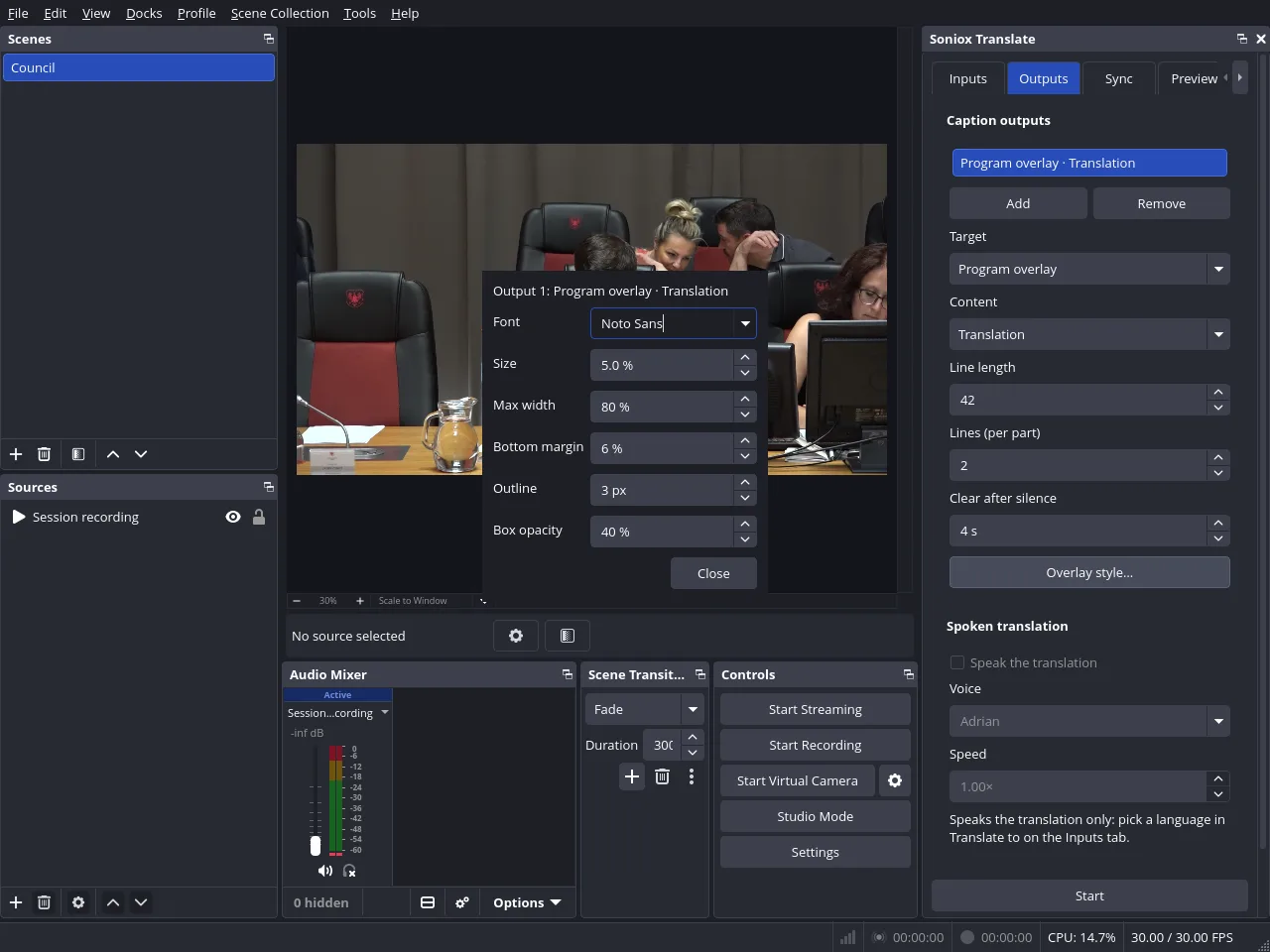
Speech recognition and translation come from Soniox's real-time API, and the plugin does everything else inside OBS Studio, the streaming and recording app.
How it was built. Coding agents wrote all of it, one task at a time. The first scaffold went in on 30 Sep 2026, and release 0.1.4 came out on 5 Oct.
I decided what it does and ran each build in OBS Studio on my own machine. When long sentences made the captions jump, I proposed showing only the words Soniox marks final. When sentences dropped out, I asked for a debug view, which became the Debug tab. After the first public release I asked for a full code audit and signed off its decisions.
Captions. It taps the OBS audio tracks you pick and streams them to Soniox over a WebSocket. The captions are drawn on top of the finished program, so they show on every scene. It can also send CEA-608 closed captions with the stream, write .srt and .vtt files next to each recording, and read the translation aloud on its own audio source.
Sync. Captions lag the speech by a second or two. The Sync tab measures the lag, and the plugin can hold the whole program back by that much, video and audio, so the words land on the mouth. The delay lives on the GPU as a ring of finished frames, held only while you stream or record, and it turns itself off if the ring would not fit in free VRAM.
Cost control. Soniox bills for every second a session is open, silence included. A local voice detector (libfvad) closes the session after 30 seconds of quiet and reopens it when someone talks, keeping the second before speech so the first word isn't lost.
Tests and status. Next to the 7,500 lines of C++ there are 3,300 lines of tests. The core does not link against OBS, so most of it is tested without OBS running. CI builds it for Linux, macOS and Windows, but only Linux has been tested, and the README says so.
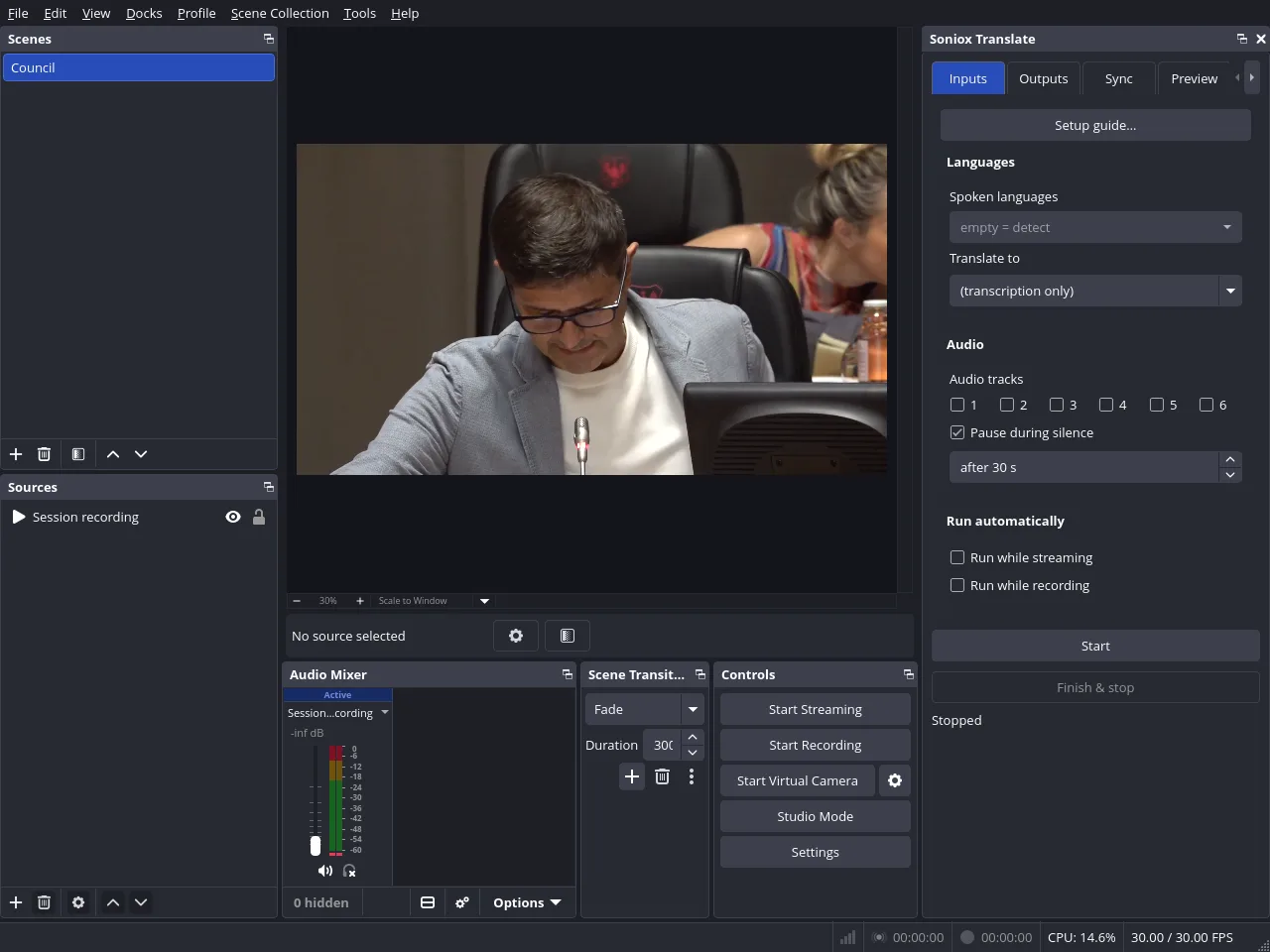
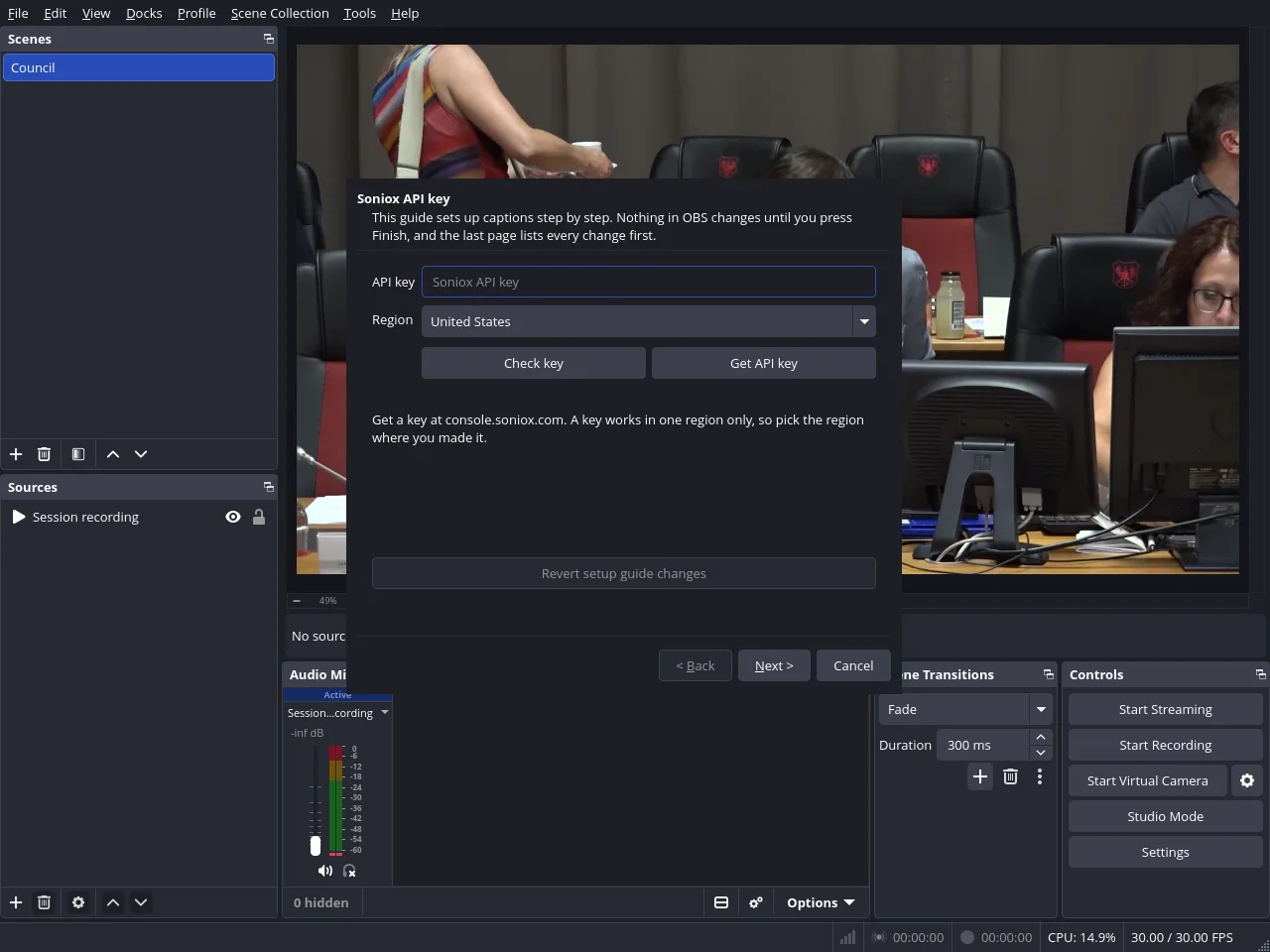
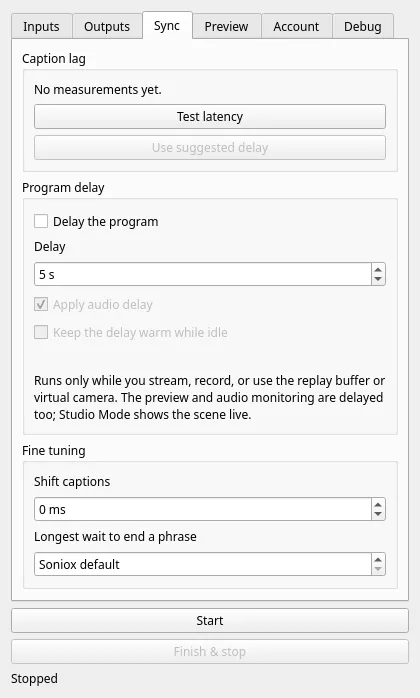
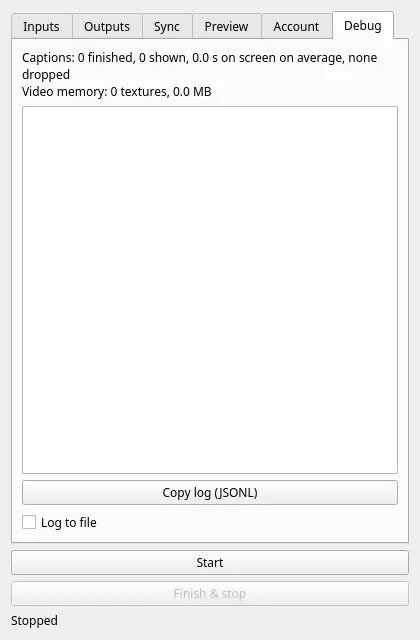
Shots from OBS Studio 32 running the plugin on this machine. Live captions need a Soniox account, so none are shown.