
Work / Flight video synced to the map
Flight video synced to the map
In 2018 I wrote a QGIS plugin that let reviewers find any moment of a long inspection flight from the map. It is no longer in use.
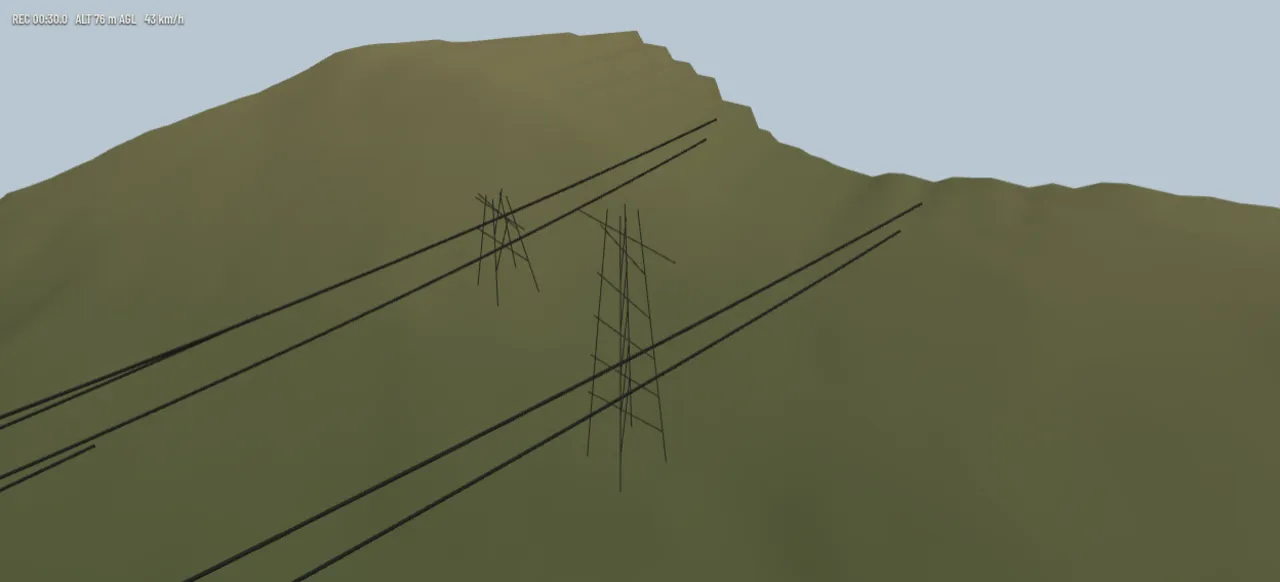
Re-creation. It looks better than the original ever did, because the "video" is rendered live from public data. Terrain and conductors: Slovenian Environment Agency (ARSO), LiDAR point cloud GKOT, tile TM_426_66, survey 2014-2015, CC BY 4.0. The flight, the towers' names and the clips are invented.
What the real one does
A QGIS plugin that tied inspection video to the flight track, so the map and the video followed each other. Playing the video moved a marker along the track, and clicking the track, a tower or a finding jumped the video to that moment. I wrote it in my first year at the company.
- Video time was matched to the flight log, so every frame had a place on the map and every place on the track had a frame. Clips could be cut out and brought back into the project.
- Status. Nearly all of it dates from 2018, and the company no longer uses it.
How the demo works
Scrub the flight video and the map follows. Click the map, and the video jumps to that moment.
On top is the helicopter's forward camera, rendered in your browser from the public LiDAR terrain and the conductors fitted for the wire-vectorization demo. Below is the same ground from above: the two lines, the towers, the flight and an orange marker where the video is now.
The two are tied by time. Scrub or play the video and the marker moves. Click anywhere on the map and the video jumps to the moment the helicopter was there, or click a tower to jump to where it comes into view. That is how a reviewer finds the bit of a long flight they need.
Mark in and out to cut a clip. It is drawn on the map and listed below, and clicking it plays it. The plugin cut clips the same way and put them back into the project for the report.